
Obsidian Embeds

Canonical version: Obsidian Embeds.
Embeds display the content of another file inside the current note. The syntax is a wikilink prefixed with !. This is Obsidian's implementation of Transclusion: content lives in one place and gets reused by reference, never copied.
Syntax
Embed a whole note
Embed a single section
Embed a single block
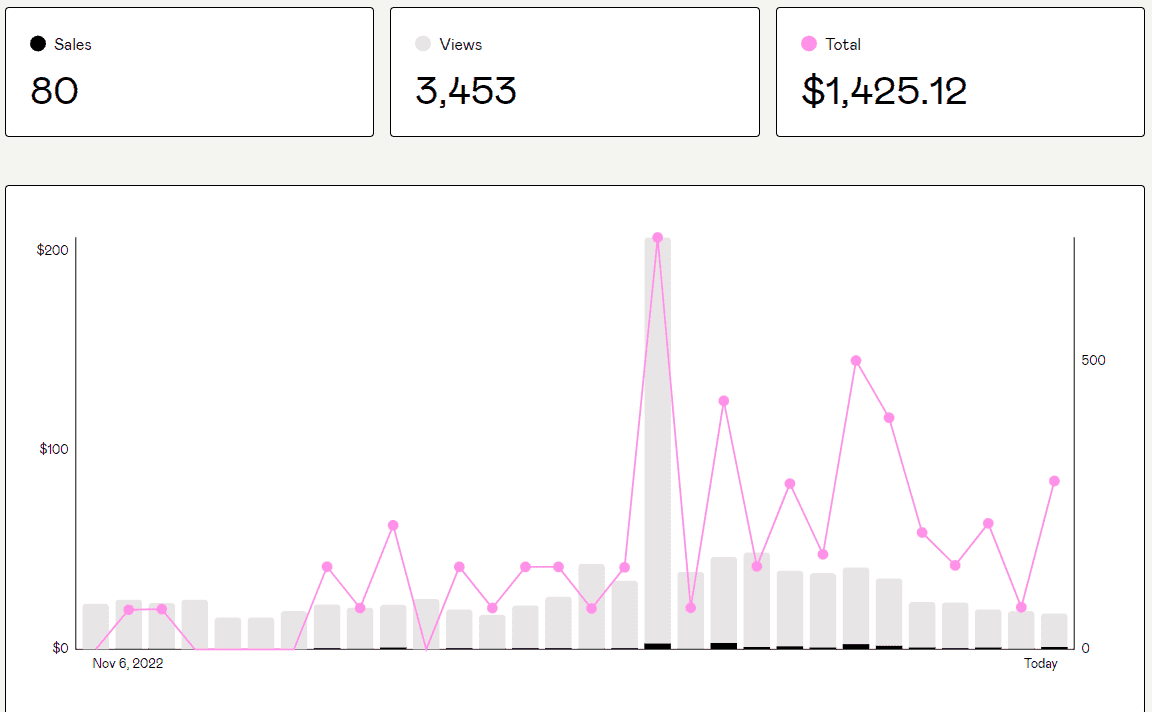 Embed an image
 Embed an image, resized to 300px wide
Embed a PDF, opened at page 5
Embed an audio player
Editing the source updates every embed instantly. Deleting the source breaks them all; that trade-off comes with any reference-based system (see Block references).
Search embeds
A fenced code block with the query language embeds live search results:
```query
tag:#obsidian/features path:"33.02 Content"
```
Any Obsidian Search operator works inside. This turns a note into a self-updating index without any plugin.
Good to know
- Heading embeds include everything under that heading, subheadings included.
- Block embeds require a block ID; type
^at the end of a block or let Obsidian generate one when you link to it. - Embeds render in Reading view and Live Preview, not in Source mode (see Obsidian Editing Modes).
- The Simple embeds plugin for Obsidian makes embeds look like native content by stripping the embed frame.
References
- Embed files: https://help.obsidian.md/Linking+notes+and+files/Embed+files
- Embed search results: https://help.obsidian.md/Plugins/Search#Embed+search+results+in+a+note
Related
- Obsidian Tips
- Obsidian
- Obsidian Wikilinks
- Transclusion
- Block references
- Obsidian Search
- Obsidian Editing Modes
- Obsidian Flavored Markdown
- Simple embeds plugin for Obsidian
About Sébastien
Ready to get to the next level?
Found this valuable? Share it with someone who needs it.