
Why Your AI Skills Break on Other Machines

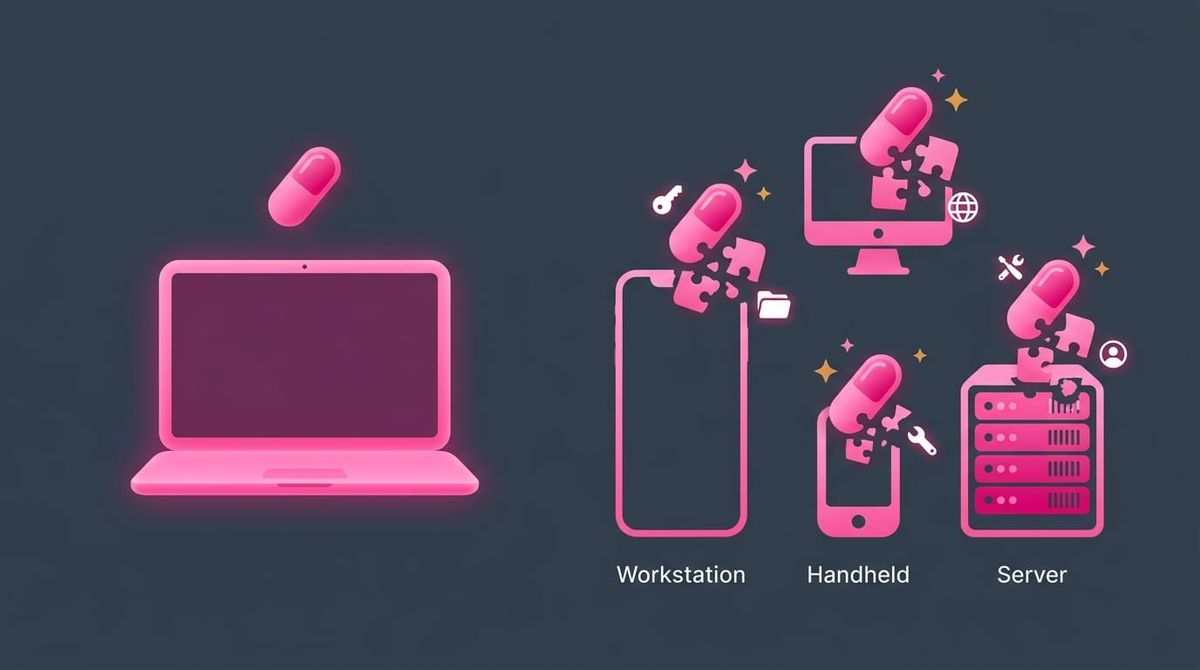
Your AI skill works flawlessly on your machine. You share it with a teammate, install it on your laptop, or hand it to a friend. It breaks. Sometimes loudly, often silently, always at the worst possible time.
I've been there more times than I'd like to admit. In this article, I want to walk through the twelve portability traps that quietly tie your AI Agent Skills to your specific machine, your specific tools, and your specific brain; and how to fix every single one of them.
Introduction
I've been building Claude Code skills for months now. Hundreds of them. Skills for writing, publishing, marketing, vault maintenance, task management, research, content curation, you name it. And every time I've tried to move one of them to a new context, I've been reminded of a hard truth: a skill that works is not the same as a skill that travels.
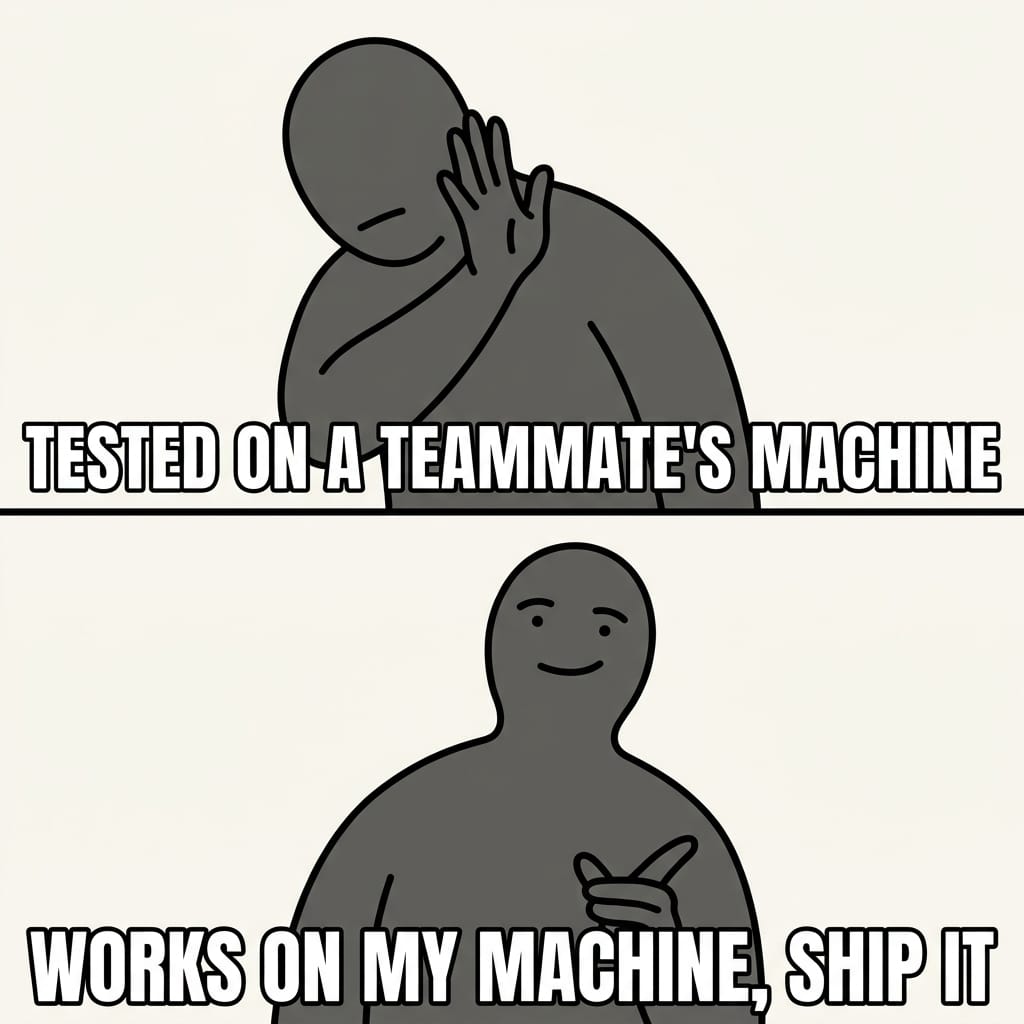
This is the well-known It works on my machine syndrome. Software developers all around the world know this one all too well. AI skills suffer from exactly the same disease, with one twist: most of the assumptions are invisible. They live in the prompt, in your shell, in your folder structure, in your head. You don't notice them until someone else hits them.
Different machine. Different OS. Different AI model. Different AI agent. Different harness. Different configuration. Different paths. Different humans. There are countless reasons why something that works perfectly somewhere can fail spectacularly elsewhere.
Most AI skills are built to work, not built to travel; and there's a big difference between the two. If you want your AI skills to actually be reusable across your devices, your team, or the community, you need to think about AI Skill Portability from the very start; the same way you'd think about AI Agent Portability or Data Portability in any other context.
TL;DR
AI skills (containing prompts, rules, custom instructions, scripts) break when moved between machines, people, or tools because they silently depend on things that aren't universal.
The six big fragility sources I cover in detail below:
- Hardcoded file paths tie skills to one machine
- Folder structure assumptions tie skills to one project
- Model-specific tricks tie skills to one AI
- Tool-specific syntax ties skills to one platform
- Environment assumptions tie skills to one OS
- Person-specific context ties skills to one human
And six other portability traps that bite the moment skills leave your machine:
- Inlined secrets and personal URLs leak credentials and break for everyone else
- Implicit network and permission assumptions fail behind firewalls, proxies, or stricter sandboxes
- Non-idempotent skills duplicate notes or corrupt state when re-run
- Skills that fail silently produce garbage output instead of stopping cleanly
- Skills that assume prior session or conversation state break the moment they're invoked first
- Undeclared inter-skill dependencies break chains the moment one piece is missing or out of date
Fix all twelve, and your skills become truly portable. The full evolving checklist lives in AI Skill Portability Checklist.
1. Hardcoded File Paths
This is the most obvious one, and somehow still the most common.
You write a skill that references /home/dsebastien/notesSeb/50 Resources/51 Attachments/. It works great. On YOUR machine. On your teammate's machine? That path doesn't exist. On your own laptop with a slightly different vault location? Same outcome.
I found this exact problem in my own image optimization script. The attachment directory was hardcoded as an absolute path with my username baked right in. Same issue in my note validation skills, where the CLI binary path pointed to /home/dsebastien/wks/obsidian-starter-kit-plugin/cli/target/release/osk-cli. That path is meaningless anywhere else.
How to fix it: use relative paths, environment variables, or let the tool resolve paths dynamically. Instead of /home/dsebastien/notesSeb, use $OBSIDIAN_VAULT_PATH or let the working directory do the work. The skill won't break when used elsewhere, assuming the required configuration can be derived automatically or has been documented and applied correctly.
2. Folder Structure Assumptions
Your skill says "put the new files in 30 Areas/33 Permanent notes/33.02 Content." That's MY folder structure. It's the Obsidian Starter Kit structure. Not everyone uses it.
When your skill assumes a specific folder hierarchy, it only works in projects that match that exact layout. My daily check-in skill assumed 40 Journal/42 Weekly Notes/YYYY/YYYY-WNN.md. My note writer skill initially referenced 30+ hardcoded folder paths. These worked in my vault because the structure was consistent. In someone else's vault, they'd have caused a mess.
How to fix it: make folder paths configurable. Use a settings file, a config block at the top of the skill, conventions that can be overridden, environment variables, or CLI tools that return the correct paths at runtime. When in doubt, have the skill ask the user instead of assuming where things live.
3. Model-Specific Tricks
You write a skill that leans on a specific model's strengths. Maybe it uses a prompting pattern that works well with Claude but confuses Gemini or GPT. Maybe it depends on tool-use capabilities that only one model supports. Maybe it relies on a particular way Claude handles thinking blocks, or on GPT's JSON-mode quirks.
This is subtler than path issues but just as real. If your skill's instructions only make sense to one model, you've locked yourself in just as hard as if you'd hardcoded /home/your-username/.
How to fix it: write instructions that are clear enough for any competent model to follow. Avoid relying on undocumented behaviors. If you MUST use model-specific features, document that dependency explicitly at the top of the skill so users (and future you) know exactly what's expected.
4. Tool-Specific Syntax
My vault lint skill runs commands such as obsidian eval code="app.plugins.plugins['obsidian-linter'].runLinterFile(...)". That's Obsidian CLI syntax. It won't work in VS Code, in Cursor, or in any other editor.
Similarly, I have skills that call obsidian command id="obsidian-linter:lint-all-files" or use the Readwise CLI with specific flags. Useful skills, sure; but each one is chained to a specific tool that HAS to be present and configured for the skill to function at all.
How to fix it: separate the "what" from the "how." Define what the skill should accomplish in plain language, then have tool-specific execution blocks. Or at minimum, document which tools are required upfront so users know what they need before they try to run it. The AGENTS.md convention and Cursor Rules are early steps toward portable skill formats; lean on whatever neutral ground exists.
5. Environment Assumptions
One of my skills installs dependencies with commands such as pacman -S pngquant. That's Arch Linux. A macOS user would instead need brew install pngquant. An Ubuntu user would need apt install pngquant. The same applies to shell choices: a script that assumes Bash won't behave identically under Zsh, and a Windows developer might be running everything through WSL.
These are small things. They also cause real failures.
How to fix it: detect the platform and adapt; or use cross-platform scripts and tools. Alternatively, include checks within the skills and clear instructions about what to do (e.g., if X isn't there, ask the user whether to install it). At the very least, document the supported operating systems and shell requirements at the top.
6. Person-Specific Context
This one's easy to miss because it isn't technical. It's contextual.
My seb:identity skill loads my personal values, beliefs, and career context. My seb:writing skill loads MY writing style. My publishing skills reference my own domain and my specific product URLs. These skills are deeply tied to me as a person and to my own business.
That's fine for MY skills. But if you share such skills as examples or templates, the person-specific or business-specific parts need to be clearly separated from the reusable logic; otherwise the reader inherits your identity by accident.
How to fix it: split your skills into two layers. The reusable logic (the process, the structure, the workflow) and the personal config (specific URLs, styles, opinions, brand). Make the personal parts pluggable. Convention over Configuration helps here: pick sensible defaults so most users only need to override what's actually personal.
7. Inlined Secrets and Personal URLs
This is the one that hurts. You commit a skill to a public repo, share it with a teammate, or copy it into a community pack; and your API key, your private endpoint, your customer URL go along for the ride.
I've caught skills with hardcoded Ghost admin keys, hardcoded webhook URLs, hardcoded customer-specific endpoints, and even hardcoded email addresses. None of these belong in a skill body. They're a security liability and a portability liability at the same time.
How to fix it: never inline secrets or personal endpoints. Pull them from environment variables ($GHOST_ADMIN_KEY, $READWISE_TOKEN), from a secrets manager, or from a per-user config file that's explicitly excluded from sharing. The skill itself should reference the variable name, never the value. Document the required variables at the top so users know what to set before running.
8. Implicit Network and Permission Assumptions
Your skill quietly assumes the machine has internet access, can reach a specific domain, isn't behind a corporate proxy, can write to /usr/local, can install packages with sudo, or has permission to call out to an MCP server on a specific port.
Most of those assumptions are silent until they fail. And when they do fail, the failure mode is rarely "cannot reach example.com"; it's "weird timeout three minutes in" or "skill runs but produces empty output."
How to fix it: make every external dependency explicit. Document required network access, reachable domains, ports, proxy behavior, and filesystem or system permissions at the top of the skill. Where possible, check for connectivity and permissions early and bail out with a clear error if they're missing. Don't trust a hopeful execution path.
9. Non-Idempotent Skills
Run your skill twice in a row. What happens? If the answer is "it duplicates a note," "it appends another section," "it corrupts the frontmatter," or "it overwrites yesterday's work," then the skill isn't safe to re-run; and that's a portability problem because re-runs are inevitable on other machines (different timing, different interruptions, different recovery patterns).
Idempotency is not just a database concern. It's a property every skill that mutates state should aim for.
How to fix it: design every state-changing skill so that running it N times produces the same result as running it once. Check for existing state before creating it. Use deterministic identifiers. Make append operations check for the line first. When idempotency is genuinely impossible, document it loudly so the user knows to handle re-runs explicitly.
10. Silent Failure Modes
A skill that fails silently is worse than one that fails loudly. It produces output that looks plausible, but isn't; or it leaves the system in a half-mutated state with no warning. The user trusts the result, downstream skills consume it, and the bug surfaces hours later in a completely unrelated place.
I've shipped skills that "succeeded" while their underlying CLI had segfaulted, that "wrote a note" to a path that didn't exist, that "called an API" with stale credentials. Each one was painful to debug, precisely because nothing screamed.
How to fix it: apply Fail Fast. Validate every prerequisite before doing anything irreversible. Check tool availability, file existence, API responses, and exit codes. When something is wrong, stop immediately and explain what's missing in plain language. Trust silence less than you think.
11. Assumed Session or Conversation State
Some skills only work because of what came before in the same conversation. They assume a previous skill loaded context, a specific note is open in the editor, a previous tool call populated a variable, or the user already provided certain information earlier in the chat.
The first time you invoke that skill in a fresh session, it falls over. The user has no idea why, because everything looked fine when YOU tested it (mid-conversation, with all the right context already loaded).
How to fix it: write skills that are self-contained. If they need context, they should load it themselves at the start; not assume it's already there. If a precondition matters, check it explicitly at the top. Test every skill from a cold start in a brand new session before you trust it.
12. Undeclared Inter-Skill Dependencies
Skills compose. One calls another. One expects helpers from a shared skill pack. One only works after a setup skill has been run. These dependencies are real, and they're almost never written down.
When you share a single skill that quietly depends on three others you also wrote, the recipient gets the loud one and none of the prerequisites. The skill breaks in confusing ways, the user blames the wrong code, and the chain of mistrust starts.
How to fix it: declare inter-skill dependencies explicitly. List required companion skills at the top of the skill, with version constraints if relevant. Treat skill packs as a unit when distributing. See AI Skill Composability and AI Skill Versioning for the broader patterns; both apply directly here.
The Portability Checklist
I maintain the canonical, evolving version of this checklist as a separate note: AI Skill Portability Checklist. The snapshot below is a starting point. Run it against every skill you want to share, distribute, or rely on across more than one machine.
- No absolute paths. Every path is either relative or uses an environment variable
- No hardcoded folder structures. Paths are configurable or discovered dynamically
- No model lock-in. Instructions work across different AI models, or the dependency is documented
- No tool lock-in. Tool-specific syntax is isolated and documented
- No OS lock-in. Shell commands work cross-platform, or platform detection is in place
- No person lock-in. Personal context is separated from reusable logic
- Dependencies are documented. Required tools, CLIs, and permissions are listed at the top
- Config is externalized. Anything that varies between users lives in a config block, not inline
- No secrets in the skill body. API keys, tokens, credentials, and personal URLs are loaded from environment variables or a secrets manager, never inlined
- Network and permission assumptions are explicit. Required internet access, reachable domains, proxy-friendliness, and filesystem/system permissions are documented
- Idempotent and safe to re-run. Running the skill twice doesn't duplicate notes, corrupt state, or destroy prior work
- Fails gracefully. When a dependency is missing or a precondition isn't met, the skill detects it, explains what's needed, and stops cleanly instead of producing garbage output
- No assumed session or conversation state. The skill doesn't rely on a previous skill having run, on a specific note being open, or on context being pre-loaded
- Inter-skill dependencies are declared. If the skill depends on another skill (chained, prerequisite, or shared helpers), that dependency is documented and version-aware
The single biggest miss most people make isn't on this list directly: it's clean-slate validation. The real test isn't "it ran on my machine yesterday"; it's "it ran on a fresh install with nothing pre-configured." Without that, every other checkbox is self-reported.
Conclusion
Building an AI skill that works is the first step. Building one that works everywhere is a different discipline. It takes attention, discipline, and a willingness to test in environments you don't control.
The good news is that most portability issues follow the same patterns. The software industry has been fighting It works on my machine syndrome for decades, and the same patterns (explicit dependencies, pinned versions, isolated environments, clean-slate validation) apply directly to AI skills. Once you know what to look for, fixing them is straightforward. The payoff is enormous: AI skills that work across your devices, across your team, and across the community.
Next time you write an AI skill, run the checklist. Your future self (and your teammates) will thank you.
If you want to go deeper on the companion article, you can also read Agentic Knowledge Management - The Next Evolution of PKM.
That's it for today!
About Sébastien
Ready to get to the next level?
Found this valuable? Share it with someone who needs it.