
Tools
Give your AI superpowers with the Obsidian vault I run my whole business from
Obsidian Starter Kit v5: the AI-ready vault I run my whole business from. Your AI knows your context, does the work, and it's ready on day one.
Everything I write about Personal Knowledge Management, note-taking, Obsidian, Zettelkasten and journaling — combined from my articles and newsletter editions into a single feed.
Tools
Obsidian Starter Kit v5: the AI-ready vault I run my whole business from. Your AI knows your context, does the work, and it's ready on day one.

Tools
Big Kanban boards get overwhelming. I added a triage mode and an ideal week mode to the Kanban Action Planner plugin for Obsidian. Here's how they work and why an ideal week is worth designing.

Personal Knowledge Management
Journaling isn't just about feelings. Your daily note can be where you plan, track your life, think in writing, and capture everything you learn. Here's why it belongs at the heart of your knowledge management practice.

Tools
Obsidian automation is three layers stacked on one idea: your notes are plain files, so anything can operate on them. Here is the complete map, from your first template to an AI Operating System.
Tools
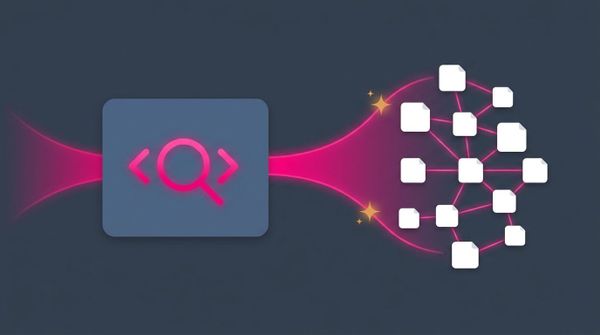
Dataview turns your vault into a database you can query. But a result that only exists at render time is not knowledge you own. Here is everything Dataview can do, everything it cannot, and what I changed after 15,116 queries.
Tools
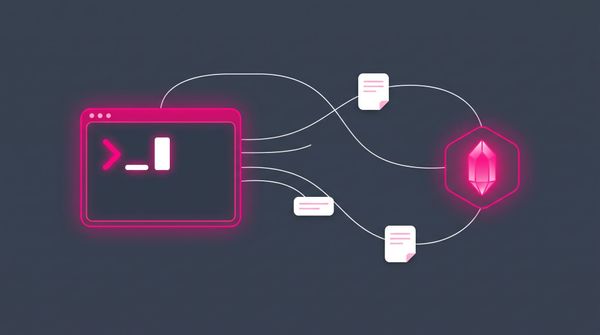
The complete guide to the official Obsidian CLI. What it is, how to enable it on macOS, Windows, and Linux, all supported commands, the TUI, eval and the JavaScript API, the different ways to reach your vault from the terminal, and how AI agents drive it.
Tools
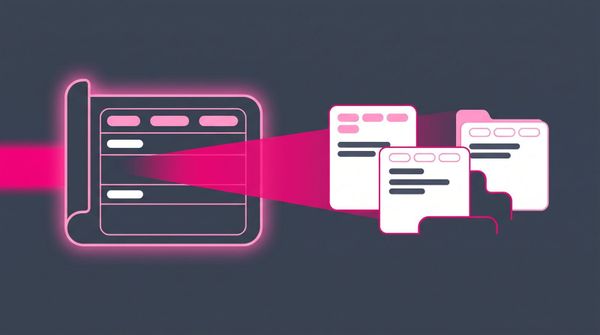
Templates are how every Obsidian note is created with the right properties and structure already in place. The complete guide to templates and Templater: core vs community plugin, the interpolation vs execution model, choices, dynamic dates, auto-filing, JavaScript, and where AI fits in.
#pillar-tools-and-systems
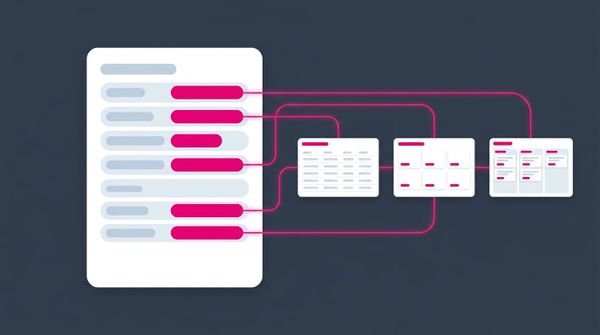
Properties are the difference between a pile of Markdown files and a knowledge system you can query. In this article, I explain how to use Obsidian properties from your very first field to a full schema powering dashboards, Kanban boards, and AI agents across 20,000 notes.
#pillar-tools-and-systems
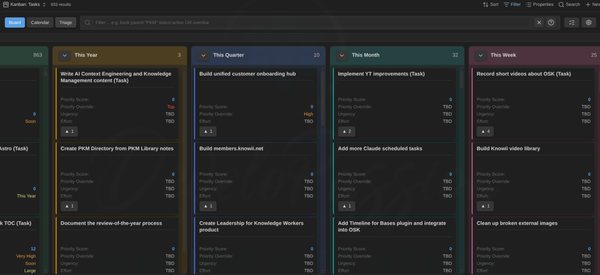
I built a plugin that turns any Obsidian Base into a Kanban board, a calendar, and a triage queue, with every change written straight back to your notes. Here's how I plan my whole vault with it.
#pillar-creator-systems
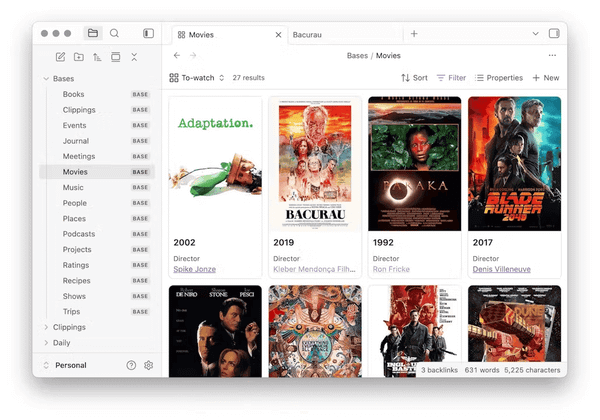
Obsidian Bases turn notes you already have into live dashboards from their properties - no spreadsheets, no data entry. A Base is a lens, only as sharp as the metadata underneath. Here's how I run it over 20,000 notes.
#pillar-creator-systems
After 4 years of building, Obsidian Starter Kit v4 is out and it's fully AI-enabled. Receptionist routing, dozens of specialized agents, hundreds of AI skills, LLM Wikis, the new Graph Explorer plugin, and an identity system that teaches AI who you are.
#pillar-creator-systems
The standard 'keep AI away from your vault' advice solves the wrong problem. AI doesn't belong outside your knowledge base; it belongs inside, in charge of the plumbing while you stay in charge of the thinking. Here's the mindset and the structure that make that work.
A clear roadmap to building your own knowledge system. Subscribe and get it straight to your inbox.
6,000+ readers. No spam. Unsubscribe anytime.