
Chaos to Clarity: Unleash Obsidian Daily Notes


In this article, I want to share how I use daily notes as my primary capture system in Obsidian, and why this simple approach changed the way I manage knowledge.
Introduction
If you've ever spent more time organizing a note than actually capturing an idea, you know the pain. You discover something interesting while reading, working, or browsing. You want to save it. But then you start thinking: "Where should this go? What title should I use? What tags? Should I create a new note or add it to an existing one?"
And just like that, the idea is gone. Or worse, you spent 10 minutes on administrative work instead of continuing what you were doing.
I've been there. Many times. And after years of experimenting with different approaches, I found something that works really well for me: using daily notes as my central capture hub. Let me explain why this approach is so effective, and how you can implement it yourself.
The problem with capturing notes in the moment
When we discover something interesting, our first instinct is often to create a proper note right away. A clean, well-formatted, properly tagged note with a good title. Sounds like the right thing to do, right?
The problem is that this approach has a hidden cost. Every time you stop to create a new note, you have to:
- Think of a good title
- Add metadata and tags
- Choose where to put the note
- Format the content properly
- Create links to other notes
That's a lot of work for something that might turn out to be a fleeting thought. And more importantly, it interrupts your workflow. If you're reading an article, you lose your focus. If you're in a meeting, you miss what's being said. If you're coding, you lose your flow state.
The cost of context switching is real, and it adds up fast.
How I use daily notes as my capture system
My approach is simple. Instead of creating new notes on the spot, I capture everything in my daily note first. Here's how it works in practice.
The capture process
Each day, I have a section in my daily note called "Discoveries". Whenever something catches my attention, whether it's an idea, a quote, a link, a concept, or a random thought, I just add it there. No formatting. No tags. No links. Just a quick bullet point with nested details if needed.
It looks something like this:
- Interesting approach to spaced repetition using AI
- Could combine with my current review process
- Check out the paper mentioned on Hacker News
- Quote from the book I'm reading: "Knowledge is not what you remember, it's what you can find"
- New Obsidian plugin that does X, worth exploring this weekend
That's it. Quick, messy, and effective. The whole point is to capture the idea before it disappears, without getting sidetracked from what you're doing.
 Knowledge Forge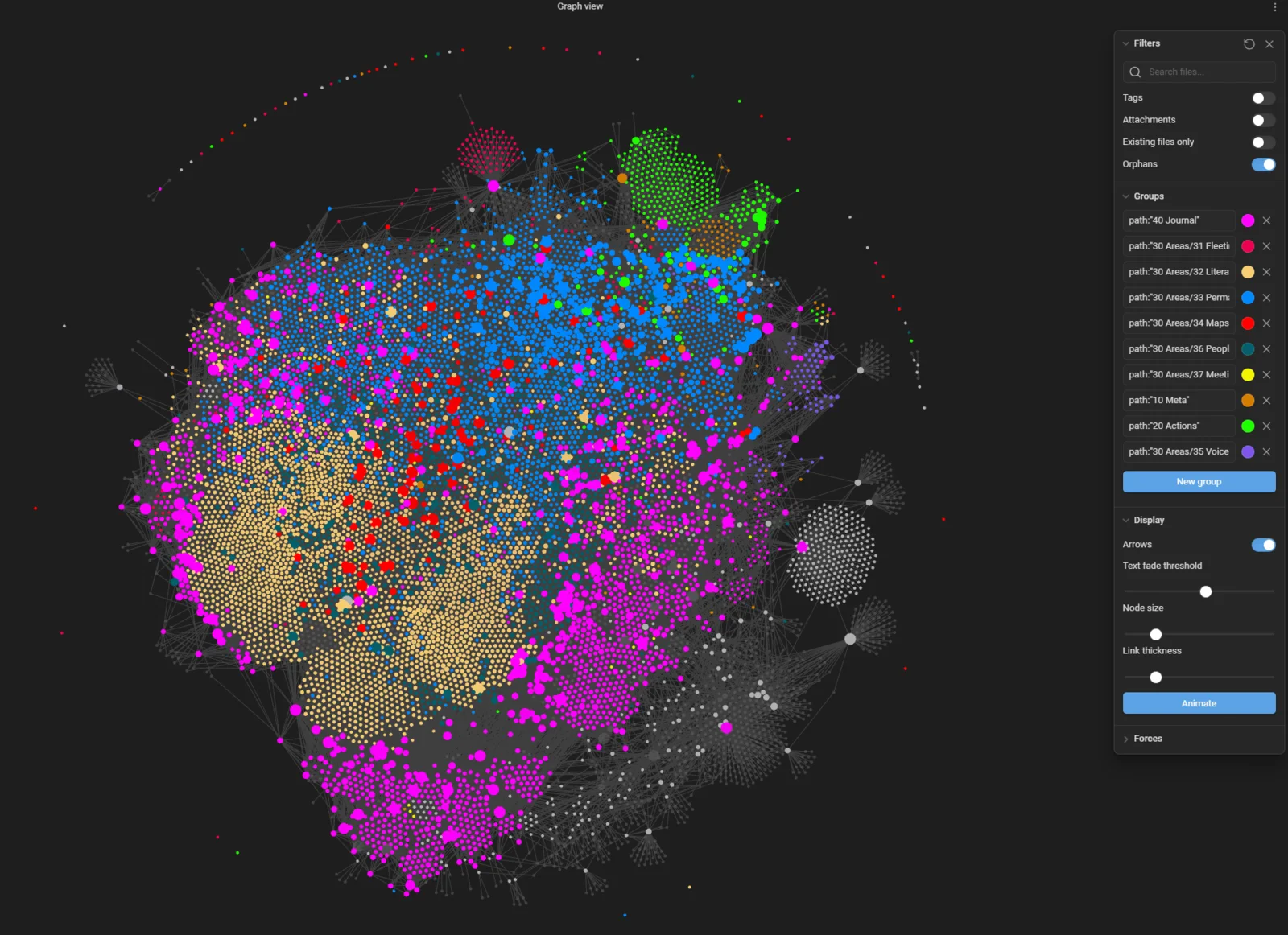
Why this works so well
First, it doesn't interrupt your workflow. Jotting down a bullet point takes seconds. You don't have to think about organization, titles, or tags. You capture the idea and move on. Your focus stays where it should be.
Second, it creates a natural buffer. Ideas need time to mature. What seems brilliant at 10 AM might feel obvious by Friday. By capturing first and organizing later, you give ideas time to develop in your mind before committing them to your knowledge base.
Third, it's fast. Really fast. There's almost zero friction between having an idea and capturing it. And low friction means you actually do it consistently.
The weekly review: where the real work happens
Here's where the approach gets really powerful. At the end of each week, I review all my daily notes from that week. This is when I decide what deserves to become a proper note in my system.
During this weekly review, I:
- Go through each day's discoveries
- Identify ideas that still feel valuable after a few days
- Convert the best ones into proper, atomic notes with titles, tags, and links
- Remove duplicates (you'd be surprised how often you capture the same idea twice without realizing it)
- Discover themes across the week
That last point is important. Sometimes on Monday I capture something about AI, on Wednesday something related, and on Friday another piece of the same puzzle. During the weekly review, I can see the pattern and create a single, comprehensive note that combines all three. If I had created separate notes on the spot, I might never have connected those dots.
The rollover system
My daily notes roll up into weekly notes, which roll up into monthly notes, then yearly notes. At each level, the information gets compressed and distilled. The best ideas bubble up. The noise falls away.
This means that if I want to look back at what I discovered in 2025, I don't have to dig through 365 daily notes. I just open my 2025 yearly note and see everything that mattered, neatly organized and linked.
On my knowledge graph, this creates a beautiful structure. My yearly note connects to monthly notes, which connect to weekly notes, which connect to daily notes, which connect to individual concept notes. It's knowledge through time, and it adds a whole layer of context that you simply can't get any other way.
The template I use
My daily note template is intentionally simple. The "Discoveries" section is just one part of it. I also have sections for:
- Tasks for the day
- What I'm working on
- Achievements
- Gratitude
For my weekly, monthly, and yearly reviews, I use a consistent structure:
- Goals: what I wanted to achieve
- Achievements: what I actually managed to do
- Challenges: difficulties I faced
- Discoveries: interesting things I found
- Gratitude: what I'm grateful for
It's basic and approachable. My goal is not to write an essay each week, but to surface what's essential.
Tips for making this work
Keep the barrier low
The moment capturing becomes a chore, you'll stop doing it. Keep your daily note one click away. I use the Daily Notes core plugin in Obsidian, which opens today's note with a single keyboard shortcut. No excuses.
Don't over-format during capture
A bullet point is enough. A few words are enough. You can always expand later during your weekly review. The goal during capture is speed, not beauty.
Do your weekly review consistently
This is the most important habit. Without the weekly review, your daily notes become a graveyard of ideas that never get processed. Block 15-30 minutes each week for this. It's one of the highest-value activities in my entire PKM workflow.
Leave some ideas behind
Not everything you capture deserves to become a note. That's fine. Some ideas are stepping stones that serve their purpose in the moment. During your weekly review, be honest about what's truly worth keeping. Quality matters more than quantity.
Trust the process
It might feel strange at first to just dump ideas into a daily note without organizing them. You might worry about losing them. But here's the thing: they're not lost. They're in your daily note, timestamped, waiting for you. And when you review them with fresh eyes at the end of the week, you'll often see them more clearly than when you first captured them.
Conclusion
Using daily notes as your primary capture system is one of the simplest yet most impactful changes you can make to your knowledge management workflow. It removes friction from capture, gives ideas time to mature, and creates a natural rhythm of capture and review that keeps your knowledge base growing without overwhelming you.
Start simple. Open your daily note. Start capturing. And then review at the end of the week. That's it. You'll be surprised how much this changes the way you think about your notes.
Daily notes make capture easy. Finding those notes months later takes a bit more care, and that's what I cover in The Obsidian Search Handbook.
 Sébastien Dubois
That's it for today! ✨
Go Further
Sébastien Dubois Sébastien Dubois
 Sébastien Dubois
Want to go deeper?
Sébastien Dubois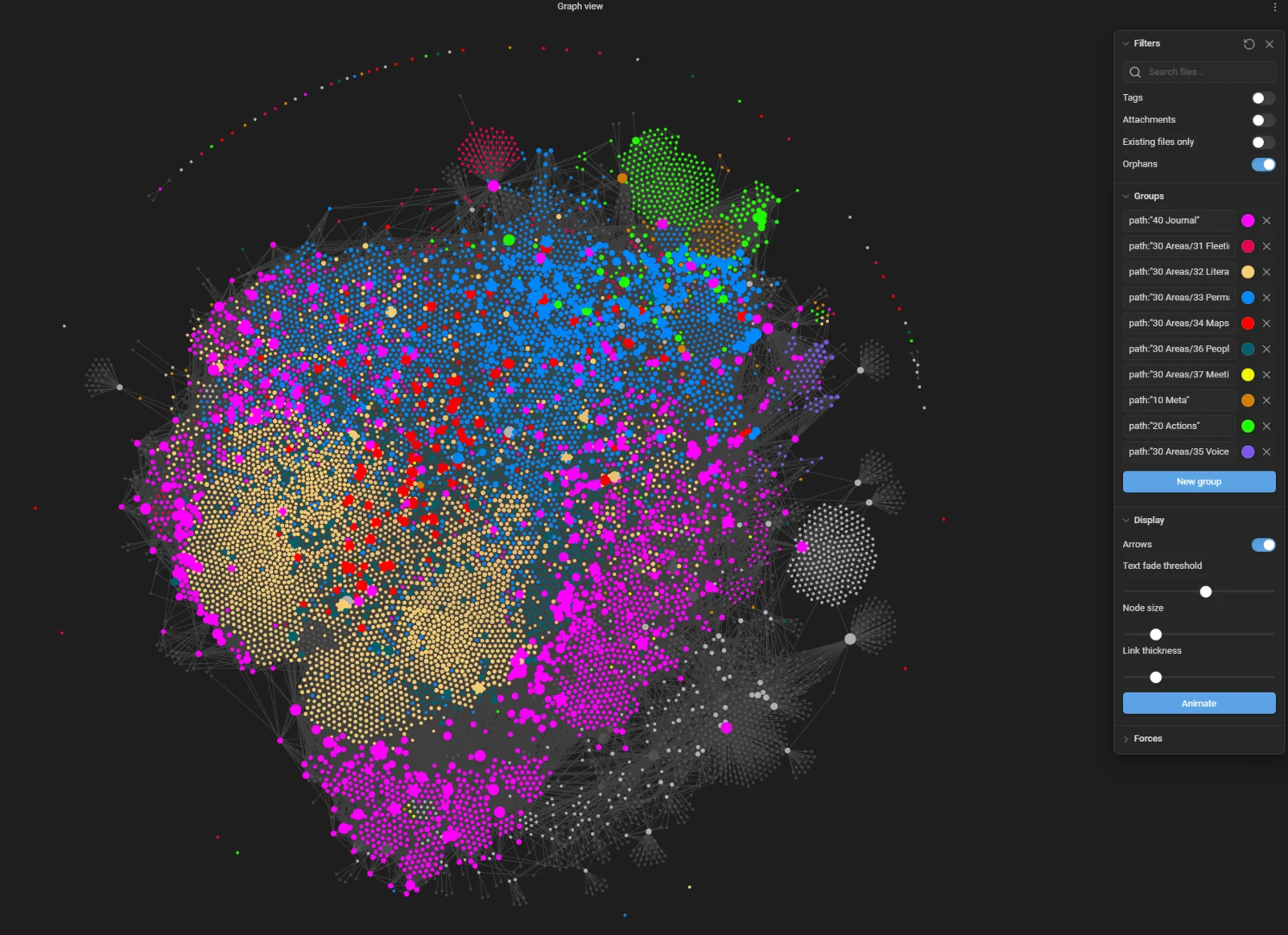
 Sebastien Dubois
About Sébastien
Ready to get to the next level?
Found this valuable? Share it with someone who needs it.