
Dataview Serializer 2.0: Powerful Queries Without Sacrificing Data Portability

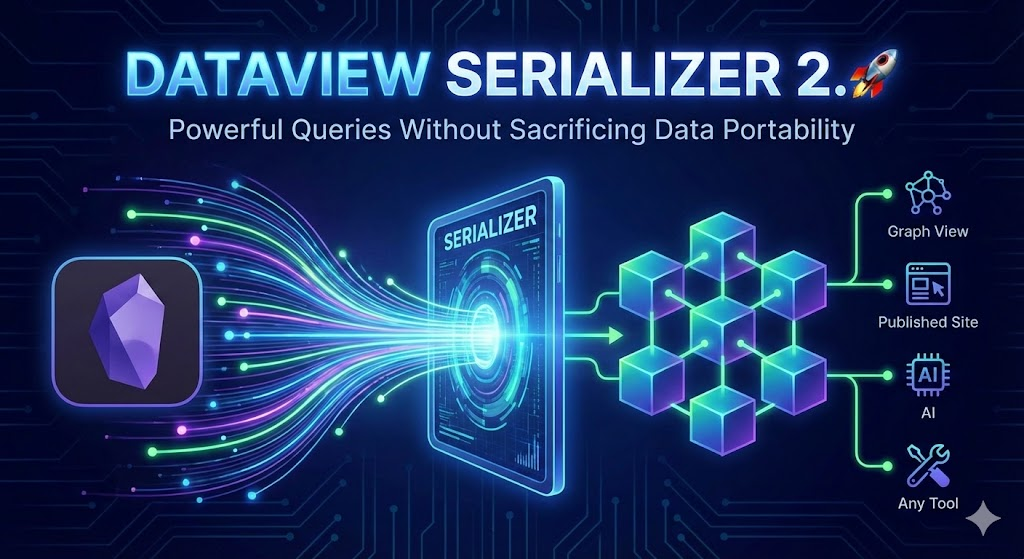
Turn your Obsidian vault into a dynamic knowledge system that works everywhere and also with AI
In this article, I want to share the major updates I've made to my Dataview Serializer plugin for Obsidian. If you've been frustrated by Dataview queries that don't show up on your published site, don't appear in your Graph view, lock your knowledge into a single tool, and can't be leveraged using AI, this is for you.
Introduction
The Dataview plugin for Obsidian is one of the most powerful plugins out there. It lets you query your notes like a database. Unfortunately, the results are generated on the fly and never actually exist in your Markdown files. This means:
- Your Graph view doesn't show the connections
- Obsidian Publish sites display empty blocks
- If you ever switch tools, those queries become useless
- Your knowledge is locked into a specific rendering engine
- AI can't see the query results
I've been working on the Dataview Serializer plugin for Obsidian to solve this and to enable support for various use cases in my Obsidian Starter Kit. The cool news is that it's free and open source, so anyone can use this . And I've just shipped a massive update that takes it to the next level 🚀
TL;DR
Here's what's new in Dataview Serializer 2.0+:
- ✅ Inline query support: Serialize
=this.fieldexpressions, not just block queries - ✅ TASK query support: Finally serialize your task queries to Markdown
- ✅ Multi-line queries: Write readable queries that span multiple lines
- ✅ Four query types: Auto, manual-only, run-once, and run-once-and-eject
- ✅ Inline refresh button: One-click refresh for any query
- ✅ Convert existing queries: Transform standard Dataview queries to serialized format
- ✅ Current file command: Serialize only the current file's queries
- ✅ Force update folders: Keep your index files always up-to-date
- ✅ Link format control: Consistent links across devices (no more sync conflicts)
- ✅ Debug mode: Troubleshoot issues with detailed logging
- ✅ Trailing newline option: Better compatibility with static site generators
- ✅ Better performance: Added batching to improve query serialization
- ✅ Idempotency checks: Smarter updates that reduce unnecessary file modifications
Video
Why This Matters
The problem with dynamic queries is that they're ephemeral. They exist only at render time. This creates a gap between what you see in Obsidian and what actually exists in your files.
With Dataview Serializer, your query results become real Markdown. The links appear in your Graph. The content shows up on Obsidian Publish. And if you ever need to move your vault to another tool, your data stays intact.
Data portability isn't just a nice-to-have. It's insurance for your knowledge.
The New Features: A Quick Tour
1. Inline Query Support
You can now serialize inline Dataview expressions. This is huge for templates and metadata-driven notes.
Before (dynamic, disappears outside Obsidian):
Character name: `=this.name`
After (serialized, portable):
Character name: <!-- IQ: =this.name -->-<!-- /IQ -->
This works for any inline expression. The syntax is compact (IQ for Inline Query) so it doesn't clutter your notes.
2. TASK Query Support
TASK queries now serialize properly. One caveat: checkbox markers are stripped to prevent feedback loops (otherwise tasks would duplicate on each update). The output becomes a regular Markdown list, but your tasks are now visible everywhere.
<!-- QueryToSerialize: TASK FROM #project WHERE !completed -->
<!-- SerializedQuery: TASK FROM #project WHERE !completed -->
- Review the quarterly report
- Send feedback to the team
- Update the roadmap
<!-- SerializedQuery END -->
 Sebastien Dubois
3. Four Query Types for Different Needs
Not all queries should update the same way. Now you have options:
The "once and eject" mode is particularly useful for templates. Imagine a daily note template with a query that pulls in relevant context when the note is created, then disappears, leaving clean Markdown behind.
4. Multi-line Queries
Long queries are now readable:
<!-- QueryToSerialize: LIST
FROM #project
WHERE status = "active"
SORT file.name ASC -->
The plugin normalizes these to single-line in the output markers, but your source stays clean.
5. Inline Refresh Button
A small 🔄 button appears next to each serialized query. Click it to refresh just that query. No need to run a full vault scan or wait for auto-updates. This is especially handy for manual and once-type queries.
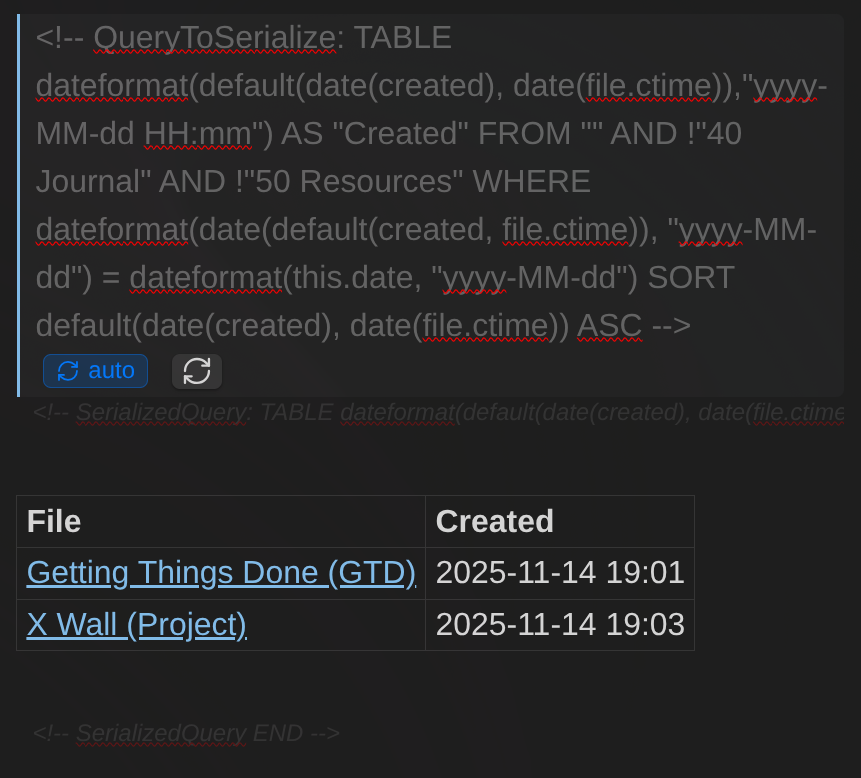
Also notice the improved styles for queries, the query type "pill" and the new refresh button.
6. Convert Existing Dataview Queries
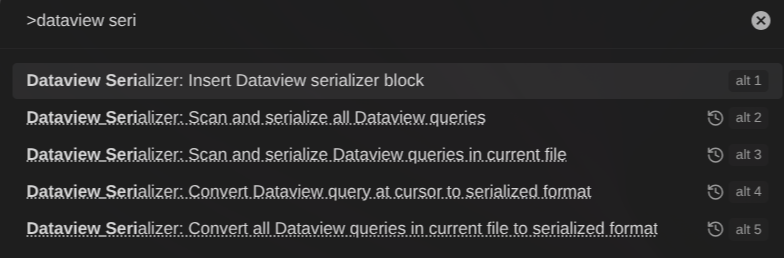
Already have standard Dataview queries in your vault? Two new commands help you migrate:
- Convert Dataview query at cursor: Converts the query under your cursor (or selected text)
- Convert all Dataview queries in current file: Batch converts an entire file
This makes adopting the plugin much easier. You don't have to rewrite everything manually.
7. Force Update Folders
Here's a common scenario: You have an index file with LIST FROM #project. When you add the #project tag to a note, the index doesn't update because you didn't modify the index file itself.
Now you can configure "Folders to force update" in settings. Files in these folders will re-serialize whenever ANY file in your vault changes. Perfect for dashboards, MOCs, and index files.
8. Link Format Control
If you sync your vault across devices, you might have noticed links changing format between syncs:
- Desktop:
[[Note]] - Mobile:
[[folder/subfolder/Note.md|Note]]
This creates unnecessary commit noise. The new Link format setting lets you choose:
- Use Obsidian setting: Follows your vault's preference
- Shortest path: Simplifies when filenames are unique
- Absolute path: Always uses full paths (best for multi-device sync)
9. Smarter Updates with Idempotency Checks
The plugin now compares query results before writing. If nothing changed, the file isn't modified. This prevents:
- Unnecessary file saves
- Sync conflicts
- Infinite update loops
Your sync tool will thank you.
Getting Started
- Install the plugin from Obsidian's Community Plugins
- Save the file. The query serializes automatically.
Wrap your Dataview queries with the serializer syntax:
<!-- QueryToSerialize: LIST FROM #tag -->
Or use the conversion commands to migrate existing queries.
Configuration Tips
A few settings worth checking:
- Show refresh button: Enable this for quick manual refreshes
- Show error notifications: Helps you catch invalid queries
- Folders to force update: Add your index/dashboard folders here
- Link format: Set to "Absolute path" if you sync across devices
Going Further
This update opens up new possibilities for building more powerful knowledge systems. I'm already using these features extensively in the Obsidian Starter Kit, and I'll be adding more advanced templates that leverage them.
Check out the plugin documentation and the release notes.
If you want to learn more about building effective PKM systems:
- Join the Knowii Community where we discuss PKM strategies and workflows
- Grab the Obsidian Starter Kit for a complete vault structure with these features built-in
Conclusion
Dataview Serializer 2.0+ brings the power of dynamic queries to your static Markdown files. You get the best of both worlds: powerful querying capabilities AND data portability.
Your knowledge deserves to outlive any single tool. With serialized queries, it will.
If you find this plugin useful, consider supporting my work, buying me a coffee, or joining the Knowii Community ❤️
 Knowledge Forge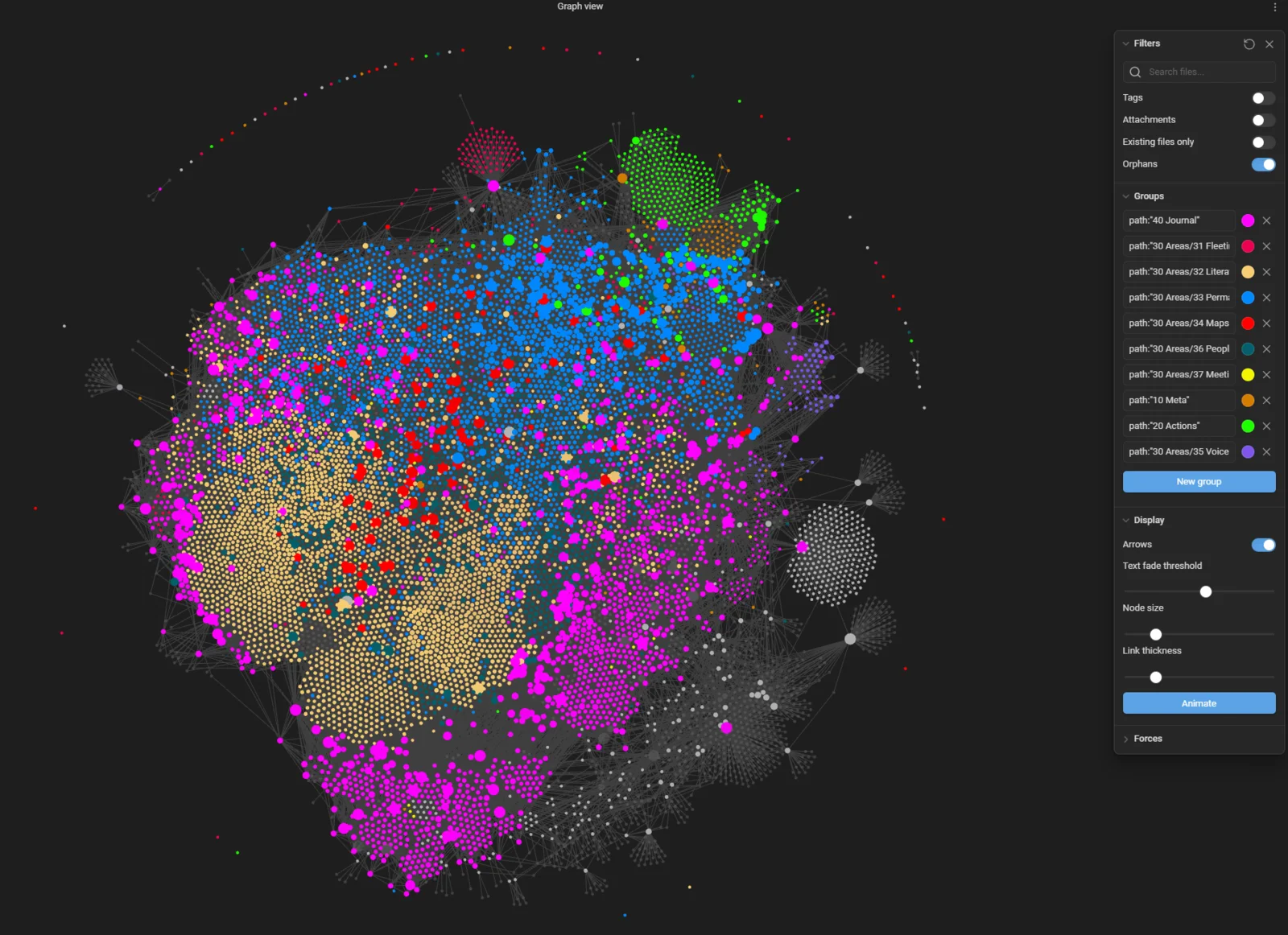
Serialized queries make lists of notes that stay readable even outside Obsidian. For the rest of the findability system (note design, search operators, Bases and AI search), I wrote The Obsidian Search Handbook.
 Sébastien Dubois
That's it for today! ✨
Go Further
Sébastien Dubois Sébastien Dubois
 Sébastien Dubois
Want to go deeper?
Sébastien Dubois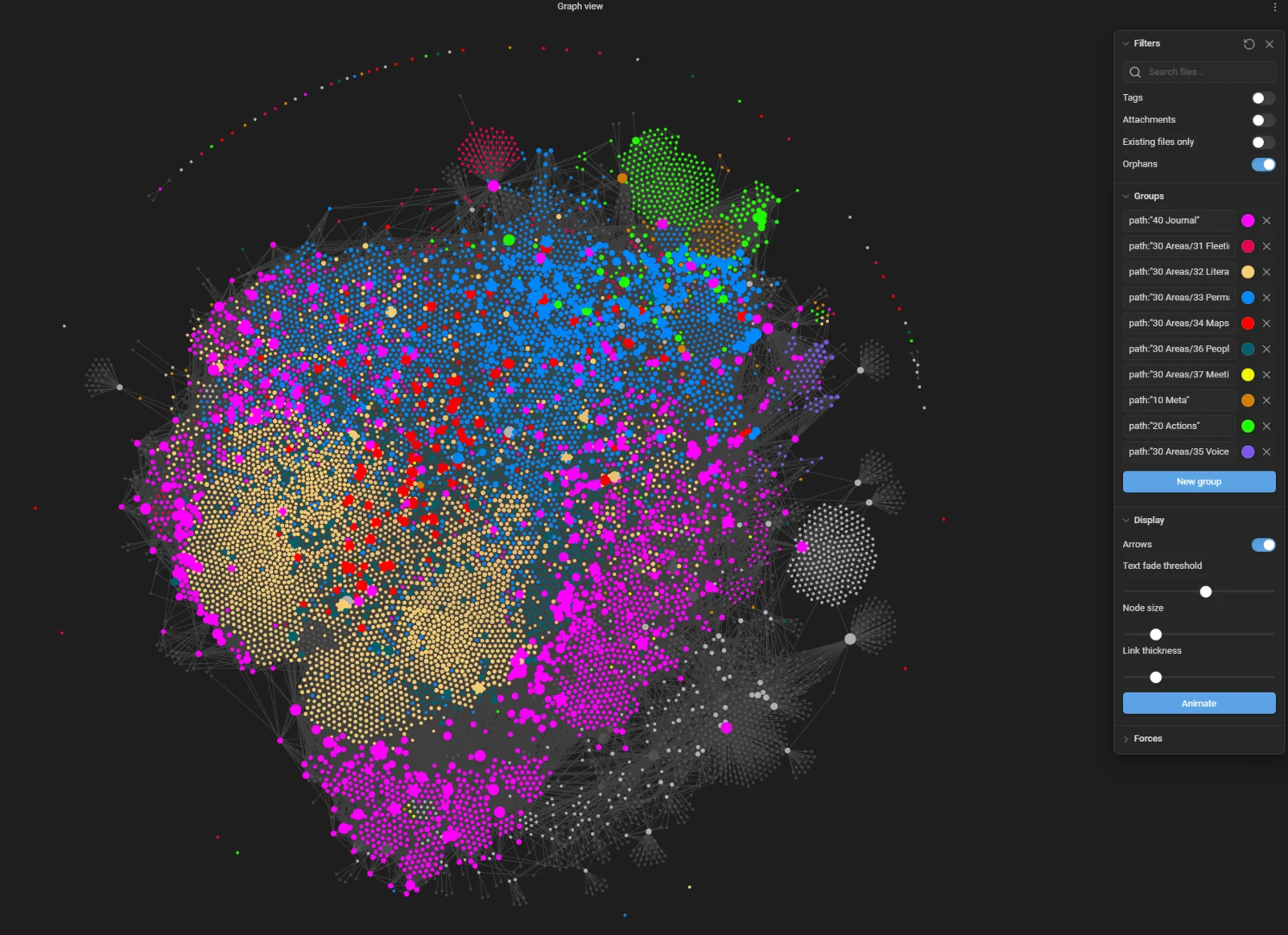
About Sébastien
Ready to get to the next level?
Found this valuable? Share it with someone who needs it.